

Yes, you can reliably automate most pitchbook production tasks using an integrated PowerPoint add-in or API-connected platform that preserves native PPT fidelity and auditability. The fastest practical approach pairs a verified data source, like a logo database, with an add-in or API layer rather than a standalone generator. Larger firms formalize this as a System of Execution: a governed, orchestration layer that connects data to output and keeps every slide traceable.
TL;DR:
- Automating repetitive tasks like logo sourcing and tombstone formatting offers the highest return and should be prioritized over complex or judgment-heavy slides.
- Leading automation tools include PowerPoint add-ins, web platforms, and APIs, often layered within a System of Execution for better data orchestration and governance.
- A pilot should focus on two to three templates, use real upcoming deals, and last four to eight weeks to measure actual time savings and review cycle reduction.
- Ensuring traceability, version control, and data security from the start reduces error propagation and compliance risks during automation adoption.
- Pricing typically ranges from free tiers to enterprise plans based on usage, and implementation generally follows a phased approach beginning with targeted automation pilots.
- ✓Search a database of over 17 million logos
- ✓Generate market maps and draft slides
- ✓Use a web app, PowerPoint add-in, or API
- ✓Work with enterprise-grade security
Table of Contents
- How pitchbook automation works: add-ins, web platforms, APIs and SoE architectures
- High-impact pitchbook tasks to automate first
- Decision and implementation checklist: criteria, pilot design, and ROI metrics
- Integrations and workflow patterns: connecting templates, data, and authors
- Risks and governance: error propagation, version control, and data leakage controls
- Quikturn in practice: proof points and a pilot prescription
- Cost considerations and pricing models for pitchbook automation solutions
- Typical timeline and phases for implementing pitchbook automation
- Quikturn Team perspective: phased adoption and common pitfalls
- Try Quikturn: trial, pricing, and getting started
- FAQ
- Sources
How pitchbook automation works: add-ins, web platforms, APIs and SoE architectures
Three technical patterns cover almost every way teams automate pitchbooks today, and picking the right one depends on how your team already works.
- PowerPoint add-ins sit inside the deck itself, letting analysts pull logos, data, or templates without leaving the file, which keeps native formatting intact.
- Web platforms generate PPTX files and image assets from a browser, useful for centralized template libraries that multiple teams share.
- API-first flows and SDKs let developers wire automation directly into internal tools or bulk-processing pipelines, which suits firms producing high volumes of similar decks.
Larger institutions often layer a System of Execution on top of these tools. Everest Group describes Systems of Execution as agent-driven layers that unify data and embed orchestration into workflows like pitchbook preparation, rolling out in phases: first an agent-readable data fabric, then embedded orchestration, then governance. That phased structure matters because it lets a firm prove value on a narrow slice of work before expanding automation to the rest of the deck-building process.
High-impact pitchbook tasks to automate first
Not every slide deserves automation. The highest return comes from repetitive, template-driven work that eats analyst hours without requiring judgment.
- Formatting and brand enforcement: fixing fonts, spacing, and master-slide drift across a deck.
- Tombstone creation and resizing: standardizing deal tombstones so they match firm templates every time.
- Logo sourcing, formatting, and insertion: pulling the right logo at the right resolution instead of hunting for it manually.
- Automated comps and chart updates: refreshing market data and comparable company tables from a linked source.
- Slide boilerplate: populating bios and standard deal history with links back to the source record.
Williams Lea's analysis of pitchbook production recommends targeting these high-frequency bottlenecks specifically, rather than deploying broad automation tools across every slide type. Bespoke, judgment-heavy slides are better left to human authors, at least until the targeted automations are proven.
Decision and implementation checklist: criteria, pilot design, and ROI metrics
Choosing a pitchbook automation tool comes down to a short list of criteria, and a pilot that tests them before you commit firm-wide.
- Auditability: can every inserted figure or logo be traced back to its source record?
- Native PPT fidelity: does the output stay in editable PowerPoint format, or does it degrade to flattened images?
- Data provenance: is the underlying database verified, and how often is it refreshed?
- Integrations: does the tool connect to your CRM, data vendors, and template library?
- Security and compliance: what happens to presentation content during processing, and is it stored anywhere?
- Support model: is there a defined path for enterprise rollout and troubleshooting?
Scope a pilot narrowly: two or three templates, one or two use cases like tombstone generation and logo insertion, and a fixed timeline of four to eight weeks. Define success as time saved per deck and fewer review cycles, not just subjective satisfaction. Before signing anything, ask vendors how data links back to sources, what the rollback options are if an automation produces a bad output, and what the service level agreement covers.
Pro Tip: Run the pilot on a real, upcoming deal rather than a sample deck. Analysts spot formatting and data issues faster under real deadline pressure.
Integrations and workflow patterns: connecting templates, data, and authors
The practical difficulty of automating pitchbooks usually comes down to how well a tool connects to what you already use, not the automation logic itself.
- Common connectors: Excel models, CRM records, financial-data vendors, logo databases, and document management systems.
- Typical workflow: a single-source template calls an API to insert a verified logo, generates the slide, and routes it to a reviewer for sign-off before it leaves the draft folder.
- Export fidelity: native PPTX output preserves editable text and objects, while PDF export locks the layout but can break the audit trail back to source data.
The tradeoff worth planning for upfront is between speed and traceability. A tool that generates a polished PPTX slide in seconds is only useful if a reviewer can still verify where each number or logo came from, which is why provenance should be part of the integration spec, not an afterthought.
Risks and governance: error propagation, version control, and data leakage controls
Automation amplifies mistakes as fast as it removes manual work, so governance has to be built in from the start, not added later.
- Canonical data and separation of concerns: keep one authoritative source for each data point so automated slides don't pull from conflicting versions.
- Version control and audit logs: track every change to a template or dataset so errors can be traced to their origin.
- Explicit reviewer sign-off: require a human check before a deck leaves draft status, regardless of how automated the build was.
- Data leakage controls: enforce storage rules, access control, and export policies on anything containing deal-sensitive content.
Firms that skip governance when adopting automation face amplified error rates and compliance gaps, according to Everest Group's analysis of System of Execution adoption. For version control specifics, a practical guide to pitch deck version control covers access patterns worth adapting for reviewer workflows.
Quikturn in practice: proof points and a pilot prescription
We built Quikturn around the tasks that eat the most analyst time: logo sourcing, tombstone formatting, and company lookups. Our platform works as a web app, PowerPoint add-in, or API, drawing from a verified database of more than 17 million company logos so analysts stop hunting for the right file at the right resolution. Every export stays in native PowerPoint format, and we run on enterprise-grade security with no storage of presentation content.
For a pilot that mirrors the checklist above, we recommend scoping to template formatting, logo insertion, and tombstone automation first. Our investment banking solutions page walks through how this applies specifically to deal teams.
Cost considerations and pricing models for pitchbook automation solutions
Pricing for pitchbook automation tools generally follows one of two structures: a flat subscription for the platform or add-in, or usage-based API pricing tied to volume.
Our own pricing illustrates the range: a free tier covers limited use, Platform Pro runs $9.99 per month or $89 per year for individual users who need more volume, and Platform Enterprise pricing is available on request for firm-wide rollouts. On the API side, API Free covers minimal usage at no cost, API Launch runs $45 per month or $325 per year, and API Growth runs $170 per month or $1,449 per year, with API Enterprise priced on request. Bulk processing plans, Bulk Free, Bulk Professional, and Bulk Enterprise, are also priced on request for teams processing large logo or data sets at scale.
When comparing vendors, weigh the subscription model against your actual usage pattern. A small team producing a handful of decks a month rarely needs enterprise-tier pricing, while a firm running bulk logo updates across hundreds of market maps will hit API usage limits on a free or entry tier quickly. Ask any vendor whether pricing scales with the number of users, the number of API calls, or both, since that distinction changes the total cost materially as your deal volume grows.

Typical timeline and phases for implementing pitchbook automation
Implementation timelines for pitchbook automation tend to follow the same phased structure regardless of vendor. Everest Group's framework for Systems of Execution describes this as moving from an agent-readable data fabric, to embedded orchestration, to governance, a sequence that also maps well onto a smaller, single-tool rollout.
In practice, most firms start with a scoped pilot of four to eight weeks covering two or three templates and a narrow set of use cases, like logo insertion and tombstone generation. That pilot phase focuses on proving time savings and testing reviewer sign-off before anything touches a live deal. A second phase expands the automation to additional templates and connects it to CRM or data-vendor feeds, typically adding another four to six weeks depending on how many systems need integration. A final phase formalizes governance: audit logs, access controls, and rollback procedures get locked in before the tool becomes the default path for deck production rather than an optional shortcut.

Skipping the pilot phase is the most common reason rollouts stall. Teams that commit to firm-wide automation before testing it on a narrow scope tend to surface formatting or data-provenance problems after they're already embedded in live client work, which costs more to unwind than a short pilot would have cost to run.
Quikturn Team perspective: phased adoption and common pitfalls
Start with targeted automations, logos, tombstones, formatting, not bespoke creative slides. Teams that try to automate everything at once lose the audit trail first and the trust of reviewers second. Measure time saved, keep sign-off mandatory, and expand only after the numbers hold up.
— Quikturn Team
Try Quikturn: trial, pricing, and getting started
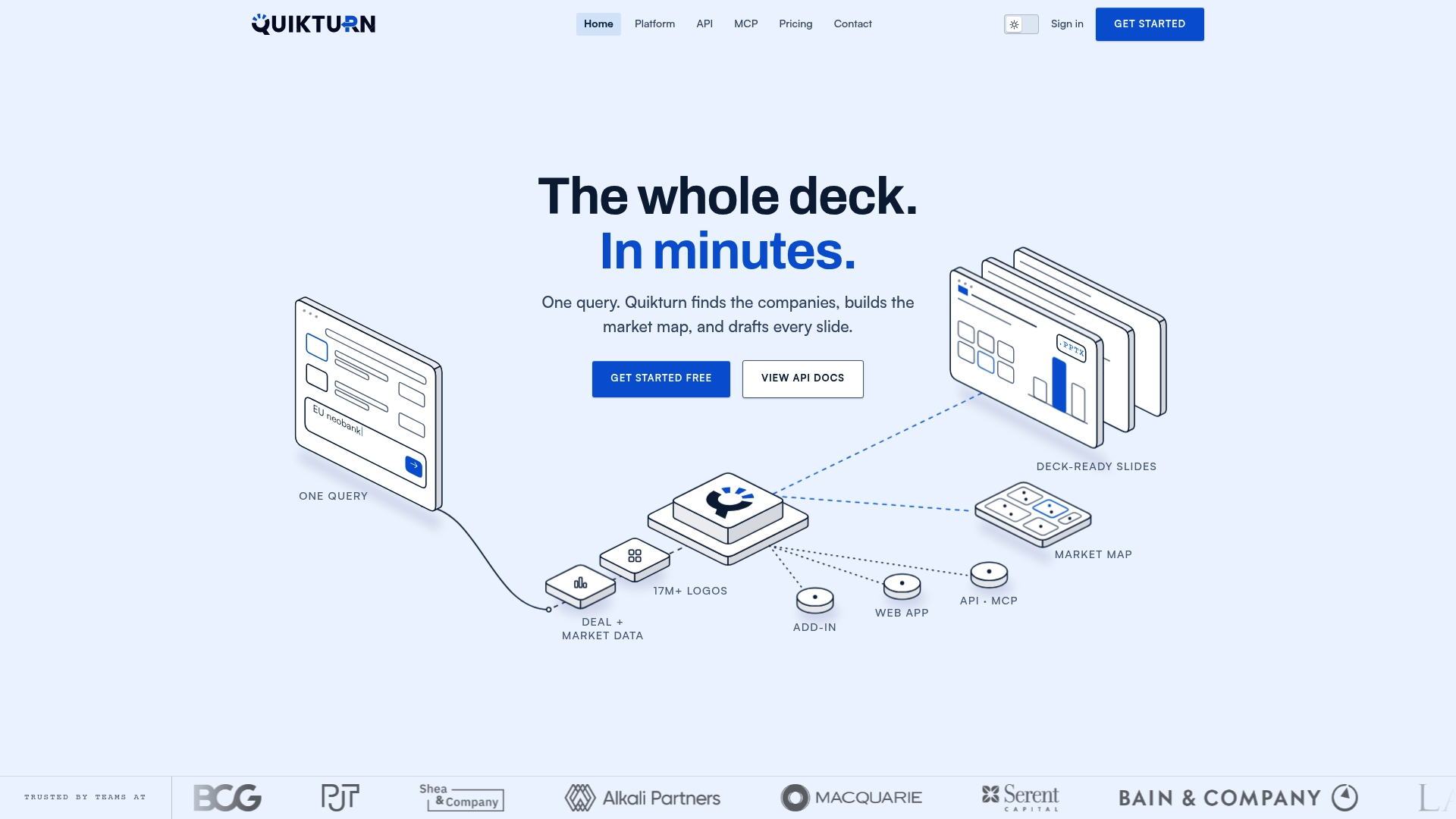
We cut the manual work out of pitchbook production by combining verified logo data with native PowerPoint output, so analysts spend less time formatting and more time on analysis. Our platform works as a web app, PowerPoint add-in, or API, and a free tier is available to test the workflow before committing to a paid plan.
Check our pricing page for plan details, or head to get started to set up your first deck.
FAQ
How much does PitchBook cost?
Pricing for pitchbook automation tools varies by vendor and usage model, typically ranging from free tiers for limited use to monthly subscriptions in the tens of dollars for individual users. Our own plans start at $0 per month for a free tier, with Platform Pro at $9.99 per month or $89 per year.
Can you get a pitch book platform for free?
Many pitchbook automation platforms, including ours, offer a free tier with limited usage before requiring a paid upgrade. Our Platform Free and API Free tiers let you test core features like logo search and insertion before committing to a paid plan.
What is a pitch book used for?
A pitch book is a presentation that investment bankers, consultants, and corporate strategy teams use to pitch deal ideas, present market analysis, or propose a transaction to a client or internal stakeholder. It typically includes company tombstones, market maps, comparable company data, and firm credentials.
How do I create a pitch book?
Most pitch books start from a firm template, then get populated with company logos, market data, and deal-specific analysis. Automation tools like a PowerPoint add-in or API-connected platform can handle the repetitive parts, formatting, logo insertion, tombstone creation, while analysts focus on the analytical slides.
How long does it take to implement pitchbook automation?
A scoped pilot covering a few templates and use cases typically runs four to eight weeks, based on patterns described in Everest Group's System of Execution research. Full rollout with governance and integration into CRM or data feeds usually takes additional time beyond the initial pilot.
Sources
- Systems of Execution (SoE) in Investment Banking - Everest Group
- Supercharging the pitch: How technology and process improvements can save junior bankers and analysts from administrative hell | Williams Lea