
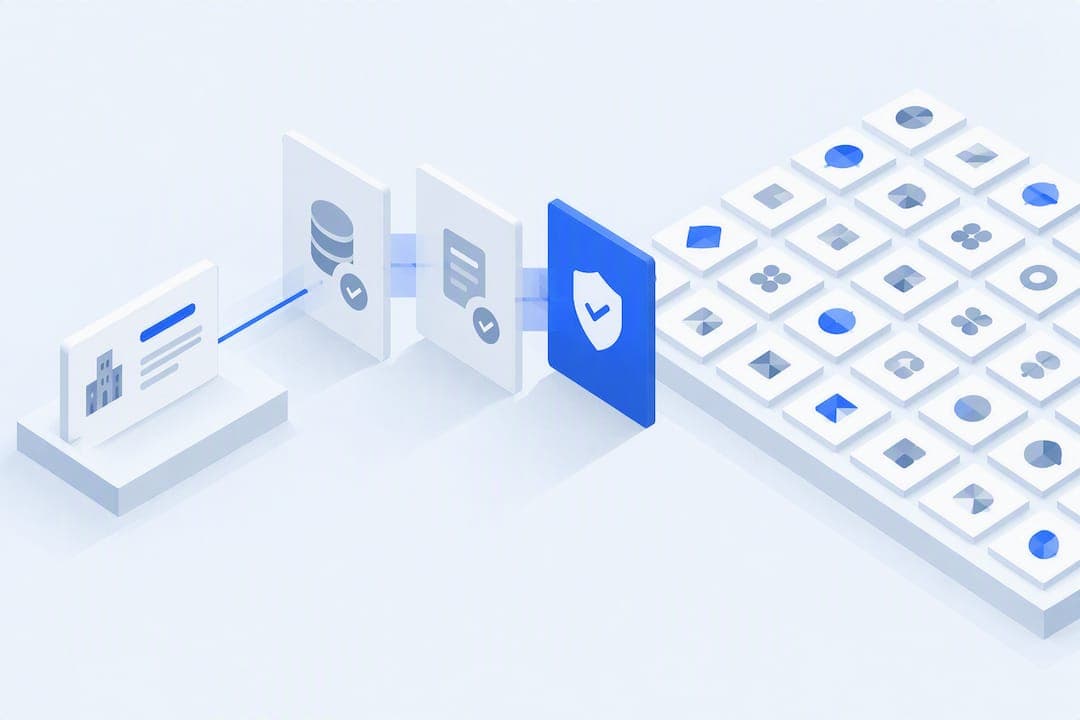
For verified company metadata and logos, the canonical sources are the SEC's EDGAR APIs, GLEIF's LEI registry, and FINRA's TRAQS/ORF security master files, paired with a verified logo database instead of ad-hoc scraping. The first move in any reliable company details lookup is canonicalization: resolve the entity to a CIK or LEI before you call any endpoint. Quikturn folds that resolution step, plus logo retrieval from a database of over 17 million verified marks, into one query.
TL;DR:
- Using a canonical resolution to a CIK or LEI before API requests ensures more accurate and consistent company data retrieval.
- Pairing SEC filings, GLEIF identifiers, and FINRA security data provides comprehensive company metadata, disambiguation, and security information.
- Automating bulk downloads and caching resolved identifiers significantly reduces API calls and prevents friction during daily or nightly updates.
- Verified logo databases offer scalable, high-quality branding assets in standard formats, avoiding inconsistent results from web scraping.
- Following operational best practices like rate limiting, descriptive user agents, and proper caching ensures reliable, compliant API integration during deadlines.
Table of Contents
- What Sources Give You Verified Company Data?
- How Do You Build a Repeatable Lookup Workflow?
- Why Does XBRL Data Break When You Parse It?
- Where Do You Get Logos That Won't Embarrass You in a Deck?
- What Belongs on Your Production Integration Checklist?
- What Actually Moves the Needle in Practice
- Skip the API Plumbing and Query Directly
- Sources
- FAQ
What Sources Give You Verified Company Data?
Three sources cover almost every field an analyst or a developer needs, and each one answers a different question.
The SEC EDGAR Submissions API is the backbone for company metadata and filing history. Query /submissions/CIK{cik}.json and you get the company name, SIC code, fiscal year end, former names, and a list of every filing with its accession number. Pair it with the XBRL CompanyFacts endpoint at /api/xbrl/companyfacts/CIK{cik}.json for structured, machine-readable financial facts pulled straight from filings.
GLEIF fills a different gap. It administers the Legal Entity Identifier, a 20-character code standardized under ISO 17442 that disambiguates entities when a ticker or company name is ambiguous across subsidiaries, holding structures, or international listings.
FINRA's TRAQS/ORF system handles security-level reference data that EDGAR does not touch. Its Equity API file downloads supply security master files like EQUITYMASTERAC and daily symbol-change lists.
- SEC EDGAR — company metadata, filing index, CIK, fiscal year end, SIC classification.
- GLEIF LEI registry — canonical legal-entity identity for disambiguation.
- FINRA TRAQS/ORF — security master, ticker changes, OTC and TRACE-eligible instrument data.
How Do You Build a Repeatable Lookup Workflow?
The workflow changes depending on whether you're pulling one company for a pitch deck or refreshing a portfolio list overnight.
1. The analyst quick lookup. Start with SEC's company_tickers.json file, which maps tickers to CIKs. Find the CIK, then hit /submissions/CIK{cik}.json to pull the investor relations website, filing history, and fiscal year end in a single call. This is usually a two-minute job once the CIK is in hand.
2. The developer pipeline. Build a resolution layer that accepts a ticker, company name, or LEI and normalizes it (uppercase, strip punctuation) before matching against company_tickers.json. There is no single persistent ticker-to-CIK mapping, so your fallback path matters as much as your primary lookup. Every automated request needs a descriptive User-Agent header identifying your team and contact email, or SEC will reject it. Add exponential backoff on retries. For historical financials, call /api/xbrl/companyfacts/CIK{cik}.json rather than scraping filing text.
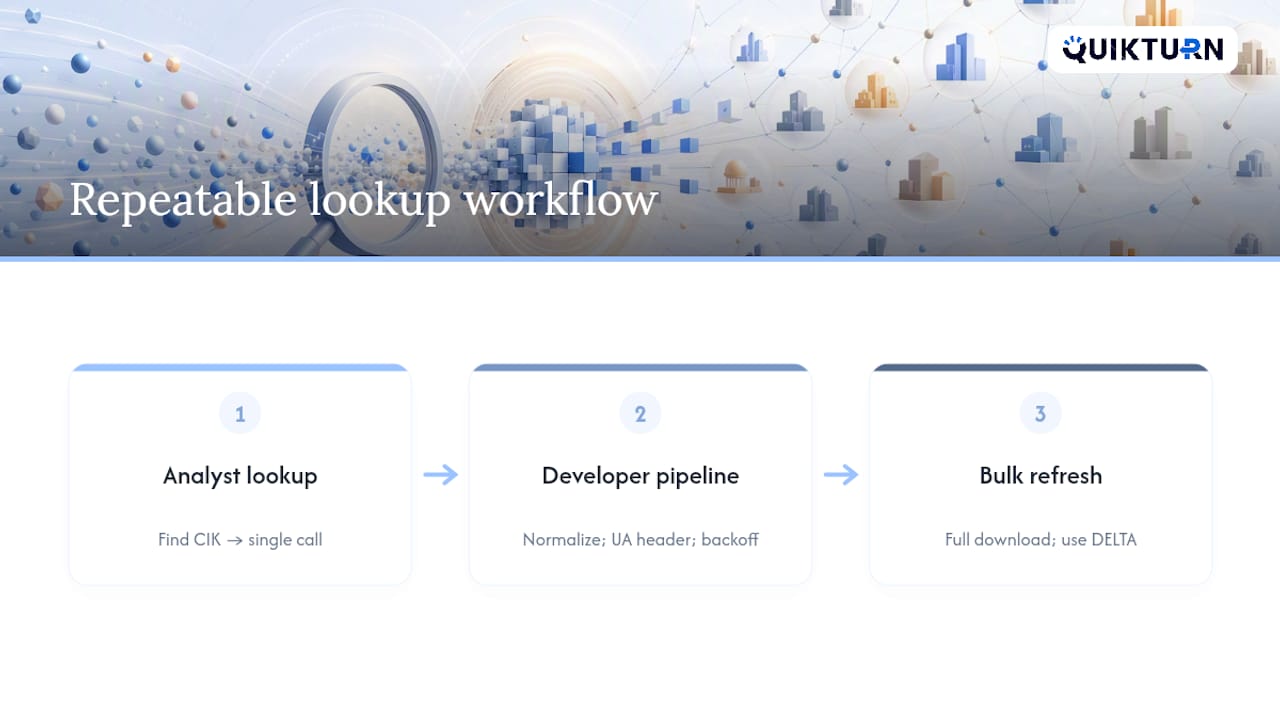
3. Bulk automation. For nightly refreshes across a coverage list, download companyfacts.zip or submissions.zip in full rather than looping single-CIK requests, and reconcile deltas against your last snapshot. FINRA's ORF system supports its own DELTA download parameter for security master updates, which saves you from re-pulling the entire file every night.
Pro Tip: Cache your resolved ticker→CIK map locally and refresh it weekly. Re-resolving the same 200 names in your coverage universe every single run wastes API calls and slows your pipeline for no reason.
Why Does XBRL Data Break When You Parse It?
XBRL facts come tagged under taxonomy namespaces, mainly us-gaap for financial statement line items and dei for entity-level facts like fiscal year focus. Two companies reporting "revenue" don't always use the identical tag, and taxonomies get versioned annually with permanent entry points, so a mapping built for one filing year can silently break the next.
A handful of practical fixes catch most of the pain before it reaches your model:
- Build a concept-mapping table with fallback tags for synonymous line items (
RevenuesvsRevenueFromContractWithCustomerExcludingAssessedTax). - Normalize units and fiscal periods before comparing companies. A quarter tagged in thousands next to one tagged in millions will wreck a comparison table instantly.
- Flag sparse concept coverage rather than assuming a missing value means zero.
- Cross-check filing metadata (accession number, form type) against the facts you pulled, so a stale or amended filing doesn't quietly corrupt your series.
XBRL taxonomies are versioned with fixed entry-point URLs, and mid-year increments happen, so code that assumes a static taxonomy tends to fail without warning around fiscal year transitions. Build the fallback logic once and it pays for itself every reporting season.
Where Do You Get Logos That Won't Embarrass You in a Deck?
A pixelated or wrong-colored logo in front of a client is one of the fastest ways to undercut an otherwise sharp pitch deck. Scraping company websites for logos seems free, but it delivers inconsistent formats, stale branding, and zero guarantee the file is even current.
A verified logo database solves the three things scraping never fixes reliably:
- Format consistency. SVG is the safe default for PowerPoint since it scales cleanly at any slide size without artifacts.
- Background transparency. A logo with a baked-in white box looks amateur on a dark title slide.
- Color accuracy. Brand color profiles shift between JPEG compression passes; a verified source preserves the original palette.
Quikturn's free logo finder draws from a database of over 17 million verified company logos, searchable by ticker, domain, or company name, which shortens the gap between "I need this logo" and "it's on the slide."
Pro Tip: Convert every logo to a standard format on ingestion, not on export. Standardizing once when you cache the asset saves you from re-converting the same file five different ways across five different decks.
What Belongs on Your Production Integration Checklist?
Before any lookup pipeline touches production, run it against a short list of operational requirements that separate a stable integration from one that gets rate-limited during a live deadline.
- Set a descriptive User-Agent on every SEC request, formatted as
Company Name contact@example.com. Requests without one risk rejection. - Rate-limit politely. A default of roughly 0.3 seconds between calls, with exponential backoff on retries, keeps you well inside fair-access limits.
- Cache resolved IDs and logo assets rather than re-resolving the same company on every request. Set a clear data retention policy, especially if you're on an enterprise plan where client presentation content should never be persisted without explicit permission.
- Pick the right delivery layer for the job. A REST API suits a custom internal tool; a PowerPoint add-in suits an analyst who lives inside Office; an SDK suits a product team embedding metadata into an existing app.
- Export in the format the destination expects. SVG for editable slides, PNG for quick previews, PPTX when the deck needs to land fully built.
Pro Tip: If your team is on FINRA's ORF system, budget time for the authentication flow. It runs through NASDAQ Web Security Framework and OKTA, and access tokens expire hourly while refresh tokens last around six months, so build token refresh into your scheduler, not your manual checklist.
What Actually Moves the Needle in Practice
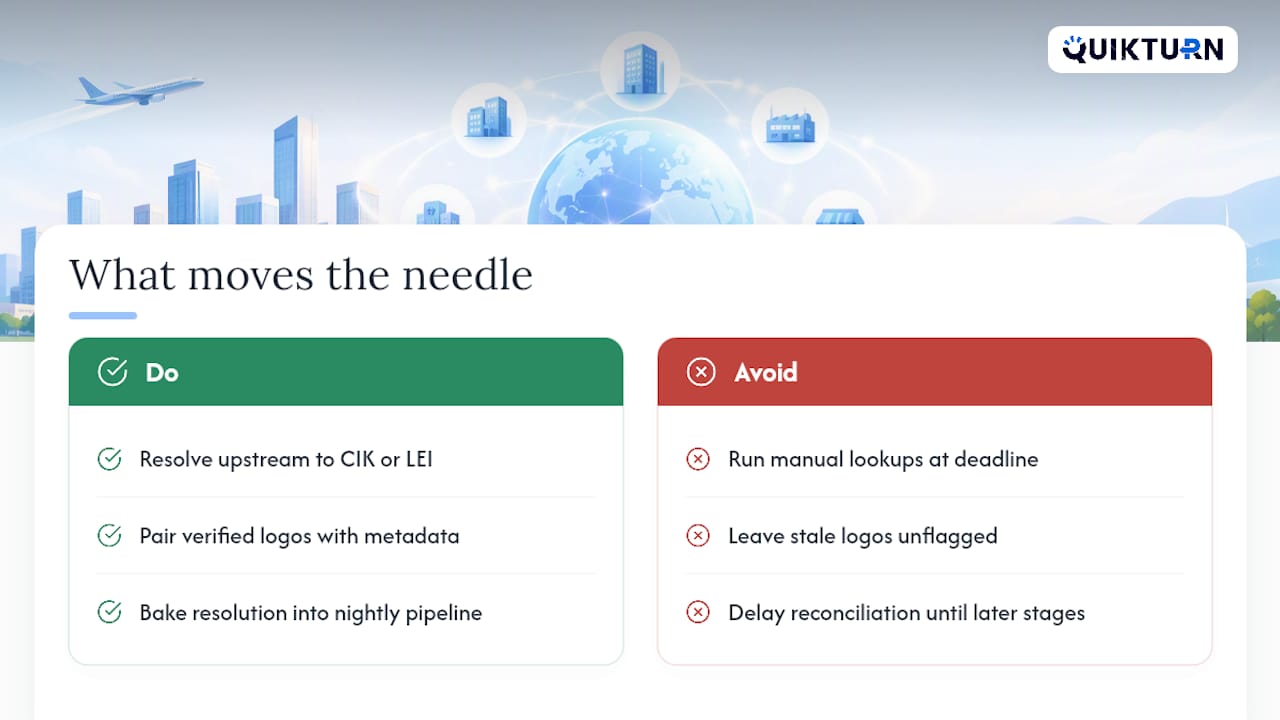
The single biggest lever we've seen teams underuse is upstream canonicalization. Resolving to a CIK or LEI before anything else touches your pipeline eliminates most of the reconciliation headaches that show up three steps later, when two data sources disagree on what a "company" even is.
Verified logos paired with verified metadata cut QC cycles before client meetings, because nobody's flagging a stale logo the night before a pitch. The teams getting the most value aren't doing manual lookups when a deadline hits. They've baked resolution and validation into a nightly pipeline, so the data is already clean before anyone opens PowerPoint.
— Quikturn Team
Skip the API Plumbing and Query Directly
Quikturn is the alternative to stitching together SEC endpoints, GLEIF lookups, and a logo scraper by hand: one query resolves the company, pulls verified metadata, and drops a pixel-perfect logo straight into your slide.
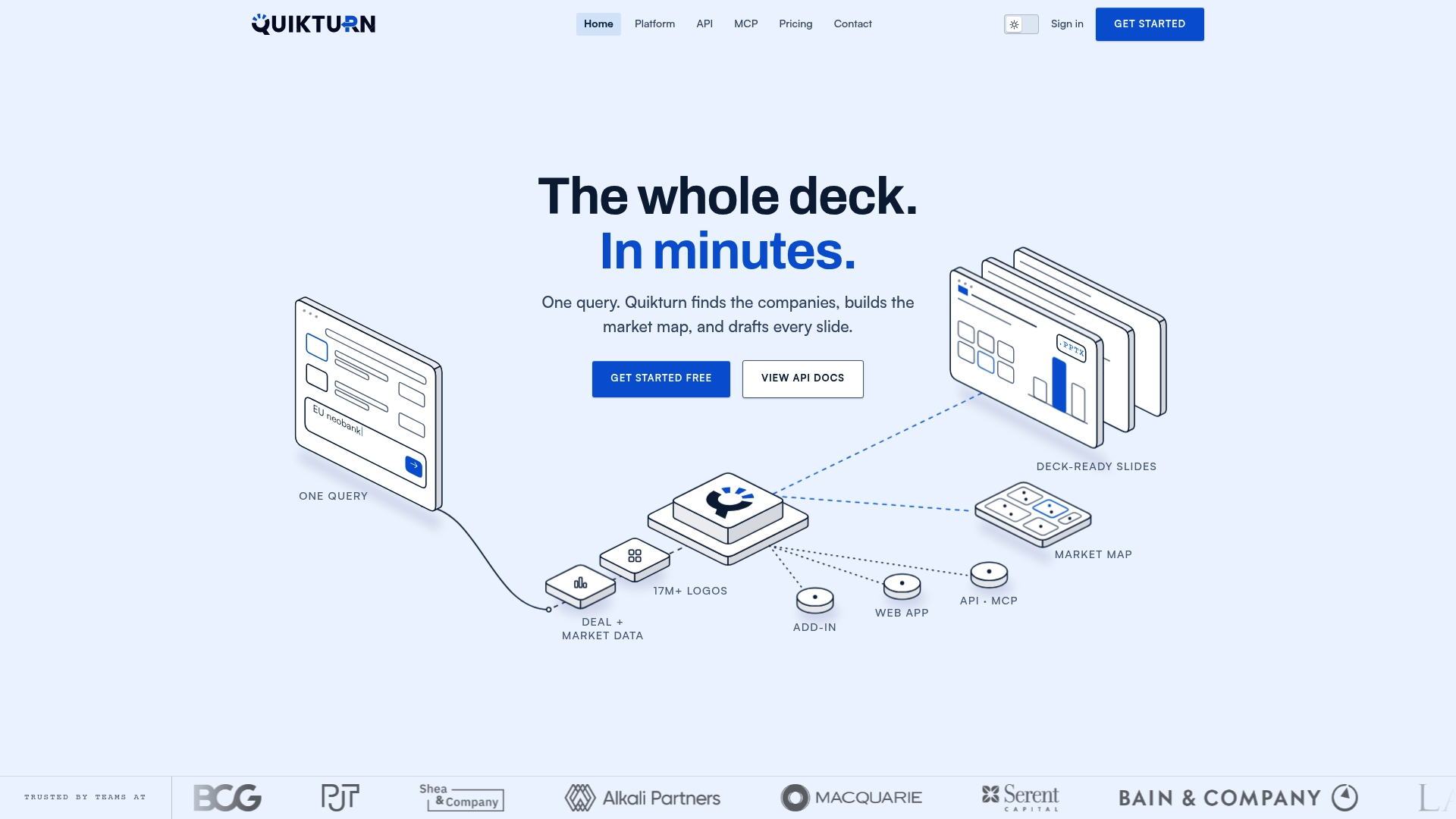
Search by ticker, domain, or LinkedIn URL against a database of over 17 million verified logos, and pull the result into a deck through the web app, the PowerPoint add-in, or a REST API with a TypeScript SDK for teams building their own tools. Private equity teams tracking large portfolios get the same lookup at scale, without rebuilding the resolution layer described above from scratch. The Platform Free plan costs $0 per month, and Platform Pro runs $9.99 per month or $89 per year for higher usage. Developers can start on the API Free tier at no cost or move to API Launch at $45 per month for production traffic. Get started with a free lookup and see how fast a verified match comes back.
Sources
Keep these in your team's internal wiki: the SEC EDGAR API documentation, the SEC EDGAR OpenAPI specification, the GLEIF LEI documentation, and the FINRA ORF API specification.
- SEC press release describing EDGAR data APIs
- GLEIF — introducing the Legal Entity Identifier (LEI)
- SEC EDGAR developer policy and guidance
FAQ
What Is the Fastest Way to Do a Company Details Lookup?
Resolve the company to a CIK using SEC's company_tickers.json file, then query the EDGAR Submissions API for metadata and filings. For a logo alongside that data, a verified database like Quikturn's logo finder returns a match by ticker or domain in the same step.
Do I Need an LEI If I Already Have a CIK?
Not always, but an LEI helps when a CIK alone leaves entity identity ambiguous, such as across subsidiaries or international listings. GLEIF's LEI standard is a 20-character ISO 17442 code built specifically to resolve that ambiguity.
Why Do SEC API Requests Get Rejected?
The most common cause is a missing or malformed User-Agent header. SEC's developer guidance requires a descriptive string with a company or team name and contact email on every automated request.
How Much Does Quikturn Cost for API Access?
Quikturn's API Free tier costs $0 per month for limited use, and the API Launch tier runs $45 per month or $325 per year for higher volume. Enterprise API pricing is available on request through the pricing page.
What's the Difference Between Bulk Files and Single-Query Endpoints?
Single-query endpoints like /submissions/CIK{cik}.json work well for one-off lookups, but bulk files like companyfacts.zip are built for refreshing hundreds of companies in one batch. Teams running nightly pipelines across a full coverage list generally save time and API calls by pulling the bulk archive instead of looping individual requests.