

Check the company's own investor relations page first, then confirm against its most recent SEC EDGAR filing. Both list the official corporate website. Save three things immediately: the exact domain, the canonical company name as filed, and a preferred logo file (SVG if you can get it), plus the source URL and the date and time you pulled it. For portfolio-scale work, an enterprise-verified logo and company database with an audit trail built in saves you from redoing this every quarter.
TL;DR:
- Verifying a company's domain and logo involves checking the investor relations page and SEC filings to ensure accuracy, especially for public companies.
- Cross-check ticker symbols with their exchange and confirm the website against primary filings or official sources to prevent errors.
- Use high-quality logo formats, preferably SVG, and record metadata like source URL, retrieval date, license status, and file format for audit preparedness.
- Automating logo and domain lookups with an API or dedicated database enhances efficiency and maintains a solid documentation trail for large-scale workflows.
- Flag discrepancies such as mismatched domains, low-resolution logos, or re-used tickers to avoid undermining a deck's credibility and ensure source reliability.
Table of Contents
- 6 Quick Verification Checks Before You Trust a Company Domain
- Step-by-Step Workflow From Company Name to Verified Assets
- How Do You Build an Audit Trail That Survives Review?
- When Should You Automate Domain and Logo Lookup?
- Common Mistakes That Undermine a Deck's Credibility
- Why Verified Company Assets Change How Deal Teams Work
- Skip the Manual Hunt With a Verified Logo Database
- Sources
- FAQ
6 Quick Verification Checks Before You Trust a Company Domain
Run these before you drop a logo or link into a client-facing deck. Each one takes under a minute; skipping them is how a wrong domain or a stale ticker ends up in an investment committee memo.
- Pull the canonical domain from the source, not a search result. Open the company's investor relations or "About" page directly and note the domain exactly as it appears in the address bar.
- Cross-check public companies against SEC EDGAR. The most recent 10-K or 10-Q usually lists the corporate website in the cover page or business description.
- Pair the ticker with its exchange. Ticker symbols get reused across markets, so "ticker alone" is not a unique identifier.
- Grab a vector logo when one exists. SVG files scale cleanly in slides; a press kit is often the cleanest source, and it's worth noting any stated usage restrictions.
- Log four fields for every asset: source URL, retrieval date and time, file format, and license status.
- Flag anything ambiguous for reconciliation rather than guessing and moving on.
Pro Tip: Build a single tab in your working file just for these six fields. When a reviewer asks "where did this logo come from," you want an answer in five seconds, not an afternoon of retracing your steps.
Step-by-Step Workflow From Company Name to Verified Assets
This is the sequence to build into a team playbook so every analyst handles domain and logo sourcing the same way, regardless of who's building the slide.
1. Normalize your inputs. Write down the company's full legal name, its ticker if public, and any known former names or subsidiaries. Mergers and rebrands are the most common reason a quick search points to a dead domain.
2. Run a targeted discovery search. Search the company name plus "investor relations" rather than just the name alone. Official IR pages almost always outrank marketing microsites and press aggregators for that query, and the domain in the URL bar is your first candidate.
3. Verify against a primary filing. For any public company, the SEC EDGAR full-text search lets you pull the latest 10-K or 10-Q and confirm the corporate website listed there. Experienced analysts treat screeners and search results as a discovery layer, then reconcile anything valuation-critical against the filing itself before it becomes a model input.
4. Add secondary anchors. Exchange issuer profiles, investor presentation decks, and official press releases each independently confirm the same domain and legal name. Two matching anchors are usually enough to close the loop.
5. Capture the asset properly. Download the logo in the highest-quality format available, preferably SVG, and rename it using a consistent convention (ticker_companyname_logotype.svg works well). Record the source URL, retrieval date, file format, and license in the same row as the domain.
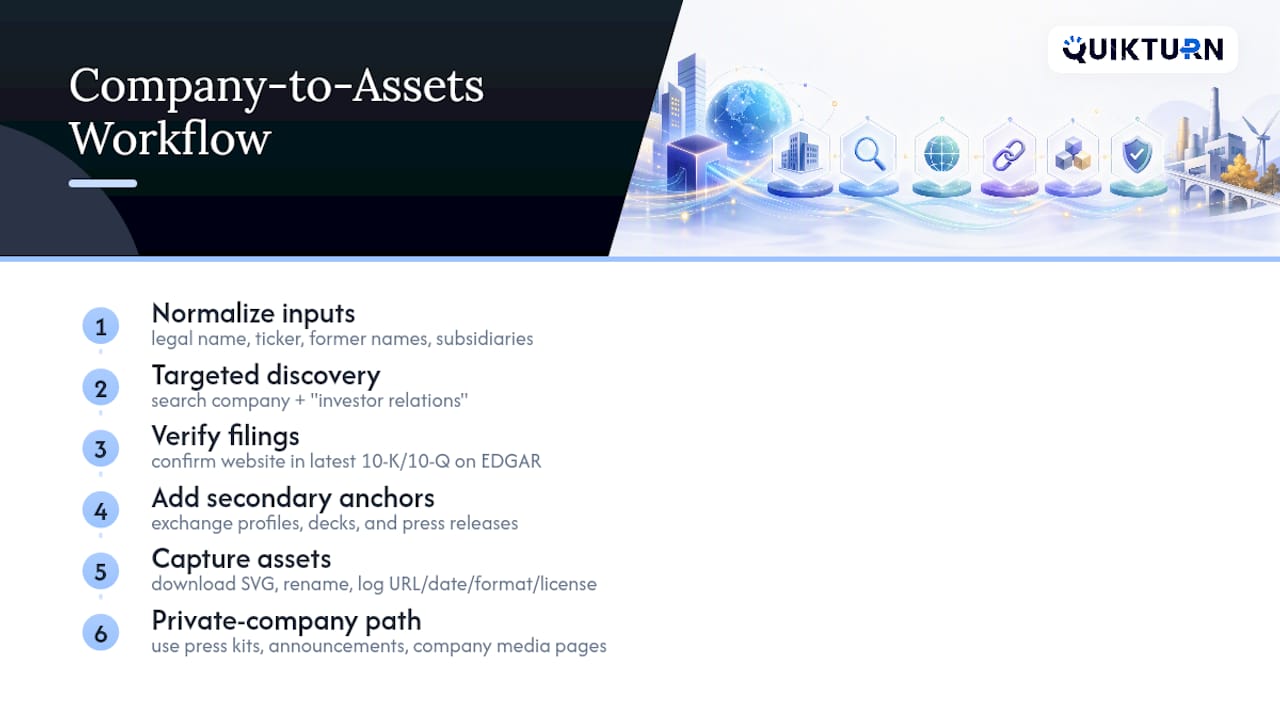
6. Handle private companies differently. Without SEC filings to lean on, your primary anchors become the company's press kit, official funding or acquisition announcements, and company-hosted media pages. Treat a third-party aggregator site as a lead to verify, never as the final source.
Terminals and professional databases like the ones covered in guidance on where analysts source finance model data are fast and broad, but they were built for financial line items, not brand assets. Use them to speed up discovery, then still verify anything that lands in a client-facing document.
How Do You Build an Audit Trail That Survives Review?
Every domain and logo claim in a deck should be defensible if someone on the deal team asks "where did this come from" six weeks later. That means building a source hierarchy and sticking to it: filings rank above investor relations pages, which rank above exchange profiles, which rank above press kits, which rank above a third-party API pulling from all of the above.
Triangulation matters more than speed for anything valuation-critical. If a domain or company name is going to influence how a slide gets read by an investment committee, require at least two independent anchors before you treat it as settled. Financial teams increasingly move toward workflows where every input traces back to a verified, reproducible source, and that discipline extends to something as small as a logo file.
Inside Excel, keep your structure clean:
- Raw sources tab: the original data pulled from filings, IR pages, and APIs, untouched.
- Reconciliation tab: where you flag mismatches and note which anchor won.
- Presentation tab: the clean, formatted version that actually feeds your slides.
This three-tab separation is standard practice for a reason: mixing raw source data with formulas is one of the fastest ways to introduce an error nobody catches until a client does. Roughly a handful of metadata fields, source URL, retrieval date, file format, and license, covers most audit requirements reviewers actually ask about.
Watch for three red flags specifically: a logo that doesn't match current brand guidelines, a domain that redirects somewhere unexpected, and a ticker that's been reused on a different exchange. Any one of them means you go back to the filing before you finalize anything.
When Should You Automate Domain and Logo Lookup?
Manual verification works fine for a one-off comp check or a single company profile. It stops working the moment you're building a market map with forty logos or refreshing a portfolio tracker every quarter. That's the line: manual for occasional lookups, an API or add-in for anything recurring or done at scale.
Collecting logos for market maps has historically eaten analyst hours that add no real value to the work, which is exactly why dedicated logo repositories and export tooling exist now. Whatever you automate, capture the same fields you'd capture by hand: domain, logo file URL, canonical company name, ticker paired with exchange, retrieval timestamp, and license status.
A PowerPoint add-in changes the mechanics meaningfully. Instead of downloading a file, resizing it, and dropping it into a placeholder, you search and insert a vetted logo directly into the slide at the correct export format, SVG or PNG depending on what the deck needs.
A simple automated pattern looks like this:
- Query the API by company name or ticker.
- Write the returned metadata (domain, canonical name, license, retrieval date) to a CSV or Excel row.
- Download the logo asset to your working folder.
- Timestamp the retrieval automatically instead of typing it by hand.
Pro Tip: If your firm handles sensitive deal information, confirm the tool supports enterprise SSO and keeps an audit log of every asset pulled. That matters as much as the logo quality when compliance reviews the workflow.
Common Mistakes That Undermine a Deck's Credibility
A few last-mile errors show up constantly in decks that otherwise look polished, and each one is avoidable with a checklist habit.
- Using a ticker without its exchange. The same three or four letters can point to a completely different company on a different exchange, so pair ticker with exchange (and CIK, where relevant) every time.
- Grabbing a low-resolution or unlicensed logo. A blurry logo in a client deck looks careless; an unlicensed one can create a real problem if the deck goes external.
- Mixing sourced files with formulas in the same Excel tab. Keep raw sources separate from anything you calculate on top of them.
- Ignoring multiple domains. Many companies run a legal/corporate domain separate from a marketing subdomain. Document which one you used and why.
- Skipping the escalation step. When branding is ambiguous or a logo's usage rights are unclear, loop in legal or comms before the slide ships rather than after.
Why Verified Company Assets Change How Deal Teams Work
We've watched analysts lose entire afternoons hunting for a clean logo or double-checking a domain that turned out to redirect somewhere unexpected. The time cost is real, but the bigger risk is a provenance gap nobody notices until a reviewer asks a question nobody can answer.
Speed and verifiability aren't competing goals. A workflow that delivers both at once is what actually reduces risk in client-facing work, and it's why a verified asset database changes the standard operating procedure for an entire deal team, not just one analyst's habits.
— Quikturn Team
Skip the Manual Hunt With a Verified Logo Database
This workflow aims to provide a faster path to a verified domain, a clean logo, and a documented source, without the search-and-verify cycle eating your afternoon. The database covers millions of company logos and market intelligence records, each one queryable by name, domain, or ticker, with the metadata trail already attached.
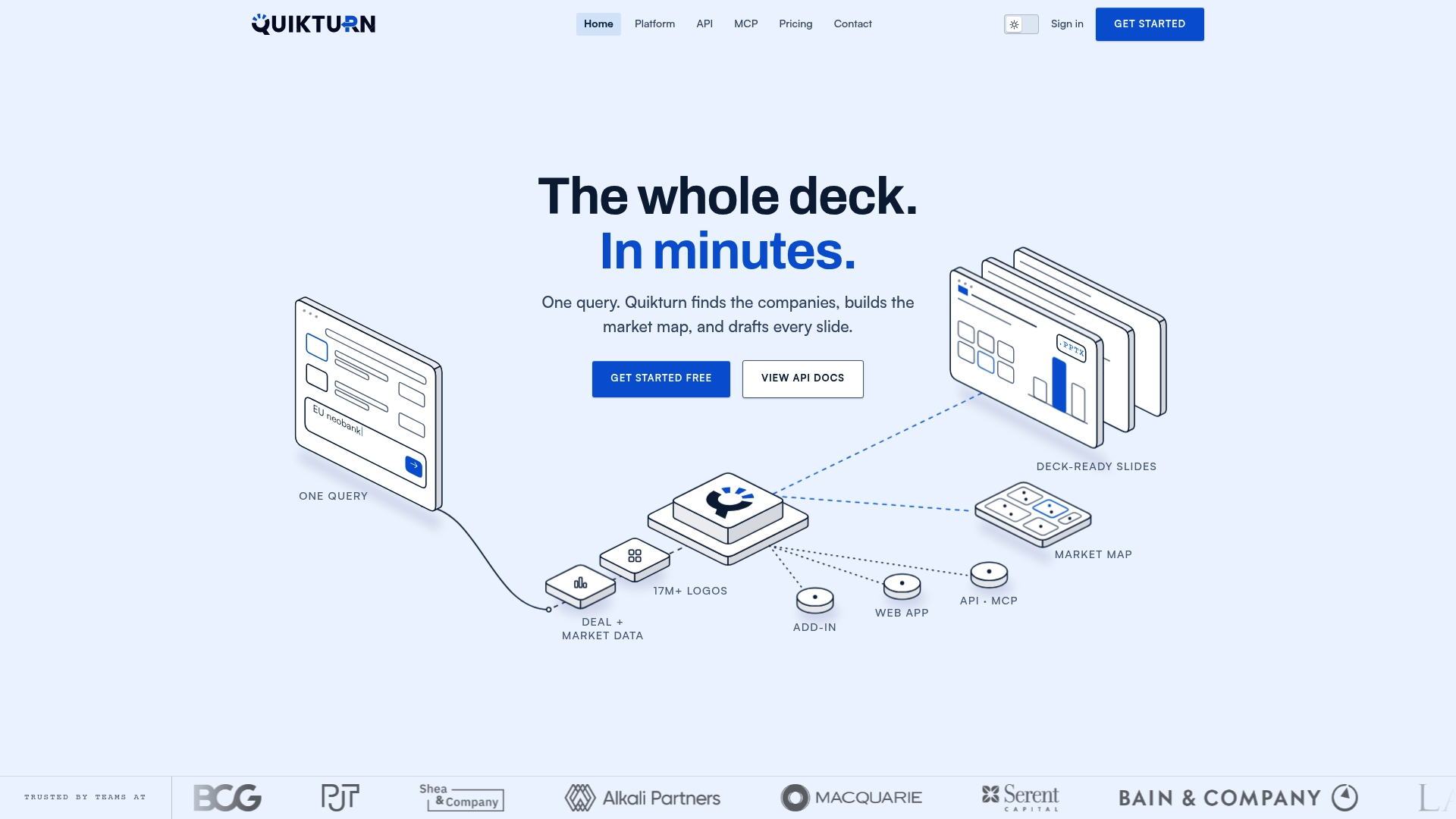
Every asset carries its source and retrieval data automatically, so the audit trail this article describes is built into the platform rather than something you assemble manually in a spreadsheet. Exports come ready for slides in SVG, PNG, or direct PowerPoint insertion through the PowerPoint add-in, and teams working portfolio-scale requests can see how it fits private equity deal workflows specifically. If you want to see how it handles a real company query, the logo finder tool is a quick way to test it before you commit. When you're ready to move a full team onto it, get started here.
Sources
- Causes and consequences: misallocation theory and empirics — Stanford event (2025)
- The 3-tab rule: Structure a spreadsheet like a software developer — HowToGeek
- Where to find data for finance models — Boardinfinity
- SMI 024: Market map maker — MostlyMetrics
FAQ
What Is the Fastest Way to Confirm a Company's Official Domain?
Check the company's investor relations page directly, then cross-verify against its most recent SEC EDGAR filing if it's publicly traded. For private companies, an official press kit or funding announcement is the more reliable anchor than a general search result.
Can I Rely on a Ticker Symbol Alone to Identify a Company?
No. Ticker symbols get reused across different exchanges, so the same letters can point to entirely different companies depending on the market. Always pair the ticker with its exchange, and reference the CIK number for SEC filings when precision matters.
What Metadata Should I Save With Every Logo or Domain?
Save the source URL, retrieval date and time, file format, and license status for every asset you capture. That small set of fields covers most audit requirements reviewers ask about when a deck or model gets scrutinized.
How Does Quikturn Handle Domain and Logo Verification at Scale?
Quikturn queries a verified database of millions of company logos and market intelligence records, returning the domain, canonical name, and logo file with metadata attached automatically. It's built as a web app, API, and PowerPoint add-in so teams can move from manual lookup to automated, auditable workflows as volume grows.
What Should I Do When a Company Has Multiple Domains?
Identify which domain is the legal or corporate site versus a marketing or brand-specific subdomain, and document that distinction in your source notes. When it's unclear, the most recent SEC filing or the investor relations page is the more authoritative source to trust.