

The fastest way to get high-quality, free company logo SVG files is through established open collections like theSVG, SVG Repo, and WorldVectorLogo, or through GitHub repositories and Figma community packs for bulk design work. A quick license check still matters, since the logo mark itself often stays trademarked regardless of file availability. For single logos, grab the SVG directly; for bulk or verified data work, a managed logo platform can handle scale.
TL;DR:
- Many free logo collections include outdated or incorrect files; verifying the current brand identity through official guidelines is essential before use.
- Downloading SVG files directly is quick for single logos, but bulk work benefits from GitHub repos, npm packages, or managed platforms for verified and up-to-date logos.
- Licensing remains separate from mere download access; companies often restrict commercial use or modifications even if the SVG is free to download.
- Optimizing SVGs with tools like SVGO can significantly reduce file size and improve web performance, especially when preparing logos for online use.
- Using a verified platform with automatic updates and accuracy checks is recommended for teams handling large volumes of logos, particularly in enterprise or client projects.
Table of Contents
- Where Can You Download Company Logos SVG Files for Free?
- How Do You Import Logo SVGs Into Figma, Sketch, or Illustrator?
- Are Free Company Logo SVGs Legal to Use Commercially?
- How Do You Optimize an SVG Logo for Web and Presentations?
- When Should a Team Use a Managed Platform Instead of Free Downloads?
- Why Verification Is the Part Nobody Talks About
- Get Verified Logos Without the Manual Search
- Where to Find the Collections Mentioned in This Guide
- Sources
- FAQ
Where Can You Download Company Logos SVG Files for Free?
Every free collection has a different personality. Some are built for developers who live in a terminal, others for designers who just want to drag a file into Figma and move on. Knowing which is which saves you from downloading a rasterized PNG disguised as a vector, which happens more often than it should.
theSVG is the closest thing to a developer's home base for this. It hosts more than 6,000 brand SVG icons, and its whole workflow is built around copying markup straight into code or pulling icons in through its npm package rather than clicking through a file browser. If you're building a component library or a dashboard that needs logos rendered dynamically, this is where to start.
SVG Repo takes a broader catalog approach, with hundreds of company logo vectors organized for one-click downloads. Files import cleanly into Sketch and Figma, which makes it a solid pick when you need a specific brand mark fast and don't want to hunt.
WorldVectorLogo and Brands of the World both specialize in high-quality vectors for recognizable, top-tier brands, no account required. They're less useful if you need an obscure regional company's mark, but for major names, the quality is consistently sharp.
BrandBird's SVG company logo collection leans toward SaaS and tech startups, curated for things like "trusted by" panels on landing pages or investor decks. GitHub repositories such as detain/svg-logos and Figma community packs like the 80+ Company Logos SVG file round things out for anyone working inside git or straight in Figma.
- Need one logo right now? Download the single SVG file directly.
- Building a component library or app? Clone the GitHub repo or install the npm package.
- Assembling a deck or landing page? Pull from a Figma pack or BrandBird's collection.
How Do You Import Logo SVGs Into Figma, Sketch, or Illustrator?
Getting an SVG from a browser tab into your actual project takes about four steps, and the details matter more than people expect.
- Choose your download method. Copy the raw SVG markup for code use, download a single file for quick imports, grab a zip for batch work, or install via npm if the source (like theSVG) offers a package.
- Import into your design tool. Figma, Sketch, and Illustrator all accept drag-and-drop SVG import. Check that the
viewBoxattribute survived the import, since a missing or altered viewBox is the number one cause of a logo suddenly looking stretched or cropped. - Strip fixed dimensions for responsive use. If you're placing the logo on the web, remove hardcoded
widthandheightattributes so the SVG scales with its container instead of staying locked to one size. - Decide how it lives on the page. Inline SVG gives you full CSS control (recoloring, animation) but bloats your HTML. An
<img>tag is simpler but limits styling. Background image works for decorative placement but hurts accessibility. SVG sprites are efficient for sites using dozens of logos at once, like a partner directory.
For anything beyond a handful of logos, automate it. A GitHub Action can pull updated logos into a build pipeline, and an API can fetch a logo by company name or ticker symbol on demand, which matters if you're generating dozens of investor slides a week.
Pro Tip: Before you import any logo into a deck template, open it in a text editor and check the viewBox values. If they read something odd like 0 0 24 24 on a full wordmark logo, the file was likely built for an icon grid and will look off center once resized.

Are Free Company Logo SVGs Legal to Use Commercially?
Here's the distinction that trips people up: a logo file being free to download and the logo mark being free to use are two completely different things. Copyright covers the SVG file itself, the actual code and artwork. Trademark covers the brand identity that logo represents, and that protection doesn't expire just because someone uploaded the file to an open-source repository.
A company's logo can sit on a totally free, CC0-licensed collection and still be legally off-limits for certain uses, like implying that company endorses your product. This is why "free to download" and "free to use however you want" are not the same sentence.
Before you drop any logo into a client deliverable or a commercial product, run through this:
- Check the source's actual license (CC0 and other permissive licenses are common on sites like theSVG, but read the specific terms, not just the site's tagline).
- Look up the brand's own guidelines page. Most public companies publish one covering acceptable colors, spacing, and use cases.
- Attribute the source if the license requires it, even for a free download.
- Never place a logo in a way that suggests partnership, sponsorship, or endorsement unless you actually have one.
- Contact the brand directly when you're building something like a "certified partner" badge, a co-marketing asset, or anything that alters the mark itself.
That last one isn't optional caution. Modifying a trademarked logo (recoloring it, stretching it, combining it with your own branding) is exactly the kind of use that gets a cease-and-desist letter moving.
How Do You Optimize an SVG Logo for Web and Presentations?
A logo downloaded straight from a public collection usually carries extra weight it doesn't need. Editor metadata, redundant path points, and unused groups all bloat the file without adding anything visible.
- Run the file through SVGO or a similar minifier to strip metadata and simplify paths, which shrinks file size without touching how the logo looks.
- Preserve the brand's official colors and clearspace rules rather than eyeballing a "close enough" shade.
- For effects SVG doesn't render well, like certain gradients or drop shadows, keep a PNG fallback on hand.
- Add real alt text on web images, and use
<title>and<desc>tags for inline SVGs so screen readers announce the actual company name. - Check contrast when placing a logo over a photo or colored background; a white logo on a pale background is invisible to more people than you'd think.
Pro Tip: Keep both the full logotype and the icon-only mark on hand. Most collections, including SVG Repo's company logo sets, offer both variants, and the icon mark is almost always the better fit for tight spaces like a favicon or a mobile nav bar.
When Should a Team Use a Managed Platform Instead of Free Downloads?
Free collections work well for a single slide or a side project. They start to strain the moment you need fifty verified logos on a Tuesday deadline, or when a wrong or outdated mark in a client deck becomes a real problem instead of a minor embarrassment.
That's a common gap for managed platforms: large databases of verified company logos provide greater scale and accuracy compared to curated open-source repos of a few thousand icons. For finance and consulting teams building decks under time pressure, that scale plus verification is the actual point, not a nice-to-have.
Practically, that shows up as:
- A Free Logo Finder for quick, verified single searches without digging through five different sites.
- A Stock Logo API that returns a company's logo by ticker symbol, useful when you're building market maps programmatically.
- Bulk processing for teams generating dozens of slides or reports at once, rather than downloading files one at a time.
- Native integration as a web app, a PowerPoint add-in, or a REST API, so the logo lands directly in the deck or product instead of a downloads folder.
Choose a managed platform when accuracy at scale and enterprise security actually matter for the deliverable. Choose a free collection when they don't.
Why Verification Is the Part Nobody Talks About
Most articles about free logo libraries stop at "here's where to download them." What gets skipped is how often those files are outdated, slightly off-brand, or mislabeled once a company rebrands or gets acquired. A stale logo in an internal slide is forgivable. In a client-facing deck, it reads as sloppy work, and it's usually not the designer's fault. It's a supply problem.
That's the piece Quikturn treats as core infrastructure rather than an afterthought: cross-checking company data against verified records so a logo search returns the current mark, not whatever version got scraped off the web three years ago. If you spot something wrong or missing in a logo database, including Quikturn's, flag it. Curated collections stay useful only when someone is actually maintaining them.
— Quikturn Team
Get Verified Logos Without the Manual Search
Open collections like theSVG and SVG Repo are great until you need forty logos verified and formatted correctly by Friday afternoon. A managed platform's edge for finance and consulting teams is simple: instead of hunting across multiple sites and hoping the file is current, users can search a verified database and get a clean, accurate SVG quickly.
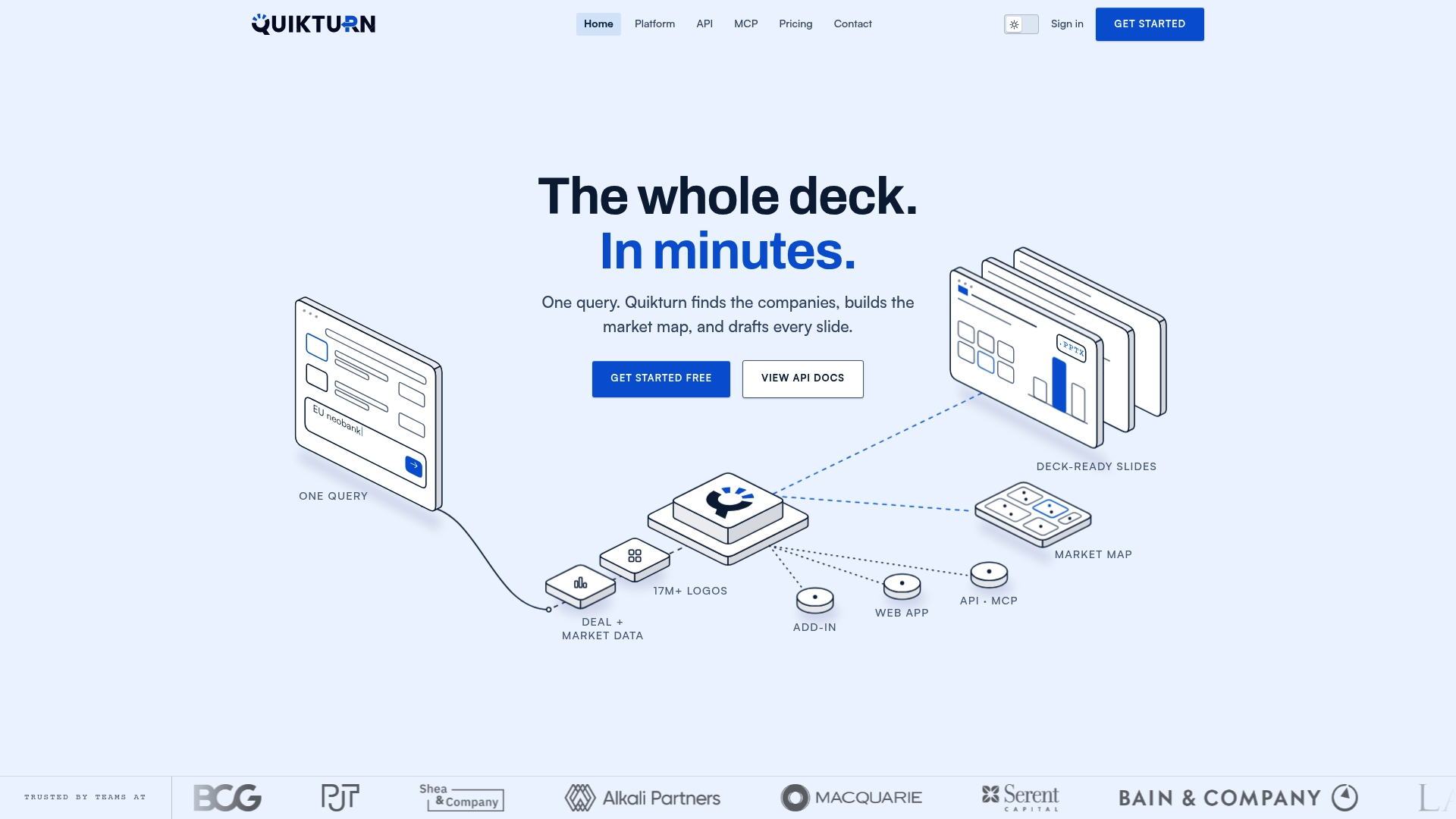
The Free Logo Finder is the easiest way to see this in action for a single search. For teams building market maps or pulling logos by ticker symbol at volume, the Stock Logo API and PowerPoint add-in handle the repetitive part automatically, including export in SVG, PNG, or WebP depending on where the logo needs to land. If your workflow involves dozens of decks a month rather than one, get started with Quikturn and see how much of that manual searching disappears.
Where to Find the Collections Mentioned in This Guide
- theSVG: developer-first library with 6,000+ brand icons and npm support.
- SVG Repo: broad company logo catalog with one-click downloads.
- WorldVectorLogo: high-quality vectors for major global brands.
- Brands of the World: large archive with bulk browsing options.
- BrandBird: SaaS and tech logo packs for presentations.
- GitHub svg-logos: repository format for automated workflows.
- Figma community pack: 80+ logos ready to drop into designs.
Sources
- theSVG - 6,115+ Free Brand SVG Icons for Developers and Designers
- Company Logo Collection - SVG Repo
- Download Free SVG Vector Logos of Top Brands | Worldvectorlogo
- SVG Logos of various companies
FAQ
Is It Legal to Use a Free SVG Company Logo Commercially?
It depends on the use, not the file. The SVG itself might be freely licensed, but the logo mark can still be trademarked, so avoid anything implying endorsement or partnership without permission.
What's the Difference Between an SVG Logo and a PNG Logo?
An SVG is vector-based, so it scales to any size without losing quality, while a PNG is a fixed-resolution raster image that pixelates when enlarged. For presentations and responsive websites, SVG is almost always the better format.
Where Can I Download a Large Number of Company Logos at Once?
GitHub repositories like detain/svg-logos support batch downloads through git, and platforms like Quikturn offer bulk processing and an API for teams pulling dozens or hundreds of verified logos at a time.
How Do I Make an SVG Logo Responsive on a Website?
Remove any hardcoded width and height attributes from the SVG code and let CSS control sizing instead, while keeping the viewBox attribute intact so the proportions stay correct.
Can I Recolor or Modify a Company Logo I Downloaded?
Technically the file allows it, but altering a trademarked logo's colors or shape can cross into trademark misuse, especially for commercial work. Check the brand's guidelines first, and when in doubt, use the mark unmodified.