

A developer logo workflow programmatically fetches a verified logo, canonicalizes identity and permissions, converts the asset to a PowerPoint-friendly form, inserts it, and binds it for future refresh. Teams building reporting tools or slide-generation apps typically wire this into an API and SDK, such as Quikturn, which draws on a verified database of company logos rather than scraping the web for images of uncertain provenance.
TL;DR:
- Logos should be fetched using verified identifiers like tickers or domains, not free-text company names, to ensure accuracy and license validity.
- Credential normalization at the gateway enforces consistent, secure access control for API calls, supporting end-user and service-to-service authentication.
- PowerPoint insertion must handle relationship IDs carefully and specify position parameters to prevent slide corruption and layout issues during automation.
- All inserted logos require license verification and adherence to brand guidelines, with license metadata recorded for audit and compliance purposes.
- Quikturn offers a ready-made, scalable solution with a verified logo database, APIs, SDKs, and PowerPoint add-ins to streamline logo workflow implementation.
Table of Contents
- What does an end-to-end developer logo workflow look like?
- How do you fetch, canonicalize, and insert logos in code?
- Why do PowerPoint files break when you insert logos automatically?
- How should you secure the API calls behind a logo workflow?
- What legal checks belong in the pipeline before a logo ships?
- What analysts get wrong about logo pipelines in finance decks
- Quikturn: a practical integration path for developer logo workflows
- Sources
- FAQ
What does an end-to-end developer logo workflow look like?
A working pipeline has seven stages, and most of the friction shows up at the seams between them rather than inside any single step.
- Discovery and fetch: query the logo source by a canonical identifier, not a company name string.
- Canonicalize credentials: normalize whatever auth token arrives into a single internal format before it touches business logic.
- License check: confirm the asset carries usage rights for the target document or product.
- Transform: convert the raw image into the format the destination host expects.
- Insert: place the shape or slide into the presentation or app.
- Bind: attach a persistent reference so the asset can be refreshed later without duplicating it.
- Audit: log the fetch, the license basis, and the insertion event.
Slide-level insertion suits cases where an entire branded layout needs to move as one unit. Shape-level insertion fits when only the logo itself changes inside an existing template. Legal or compliance review belongs right after the license check, before anything reaches a shared deck or a customer-facing report.
How do you fetch, canonicalize, and insert logos in code?
Fetching should never rely on a free-text company name. Query by ticker, domain, or an internal company ID, and validate the metadata the logo API returns before you trust it. A response missing a resolution flag or a license tag is a signal to fall back, not a detail to ignore.

Credential handling belongs at the gateway, not scattered across services. NIST SP 800-228 recommends canonicalizing credentials at the API gateway and standardizing on OIDC/OAuth2 for end users, with SPIFFE or mTLS, or service account JWTs, for machine-to-machine calls. That single normalization point is what lets a batch job, a mobile client, and an internal microservice all present one consistent credential shape to downstream authorization checks.
Once the asset clears licensing, transform it into whatever the host expects. For PowerPoint, that usually means Base64. Vector formats such as SVG are appropriate when the destination supports them and the license permits redistribution in that form; otherwise PNG or WebP at sufficient resolution avoids the quality loss that produces blurry logos in finished decks.
Insertion follows one of two patterns:
- Use
PowerPoint.runwithslide.shapes.addPicture(base64, options)to drop a single image onto an existing slide, as documented in the PowerPoint.ShapeCollection class. - Use
presentation.insertSlidesFromBase64(base64File)when you need to preserve a full branded layout rather than assembling it shape by shape.
After insertion, create a binding with BindingCollection.add so the app can locate and update that exact shape later by ID, as described in Microsoft's guidance on binding shapes. Persist that binding ID alongside the license metadata and source URL, since that pairing is what makes a later refresh auditable instead of guesswork.
Pro Tip: Set altTextTitle and altTextDescription on every inserted picture; it costs one line of code and makes the deck accessible without extra tooling.
Watch for edge cases: some hosts ignore position parameters when a placeholder is present, and an omitted width or height can leave a logo stretched or cropped in ways that only show up after export.
Why do PowerPoint files break when you insert logos automatically?
PowerPoint's host behavior causes most of the bugs developers hit, and nearly all of them trace back to placeholders or relationship handling rather than the logo asset itself.
- PowerPoint Online can insert a picture directly into a content placeholder by default, which silently replaces existing layout content; supplying explicit
imageLeftandimageTopvalues forces a standalone shape instead. insertSlidesFromBase64preserves complex branding and layout as a unit, which sidesteps the reflow problems that come from injecting individual shapes into a template built for something else.- When code generates slides directly at the file level, missing or mismatched relationship IDs in the
.relsparts produce the "unreadable content" error PowerPoint throws on open, since Open XML slide packages store images as parts referenced by those IDs. - Assign each inserted image a unique relationship ID; colliding
rIdvalues across parts are a common cause of file corruption in generated PPTX archives. - Name and tag inserted shapes consistently so a later process, or a human reviewer, can find every logo object in a deck without reparsing the whole file.
How should you secure the API calls behind a logo workflow?
Any service that fetches and inserts branded assets at scale is handling identity data and, indirectly, brand assets tied to real companies. NIST SP 800-228 frames the gateway as the right place to enforce this, and the same guidance applies whether the caller is a person clicking a button or a nightly batch job.
- Canonicalize credentials at the gateway so every internal service sees one standard credential type, regardless of how the original request authenticated.
- Use OIDC/OAuth2 for end-user sessions, SPIFFE or mTLS for service-to-service calls, and short-lived tokens for anything scheduled or unattended.
- Enforce resource-level authorization on every asset fetch rather than trusting a single top-level API key for the whole integration.
- Log token exchanges and watch for abnormal access patterns, such as a batch credential suddenly making interactive-rate requests.
Teams building on a ticker-based logo lookup should apply the same ticker/market visualizations and feed embeds canonicalization pattern at their own gateway before requests reach the underlying API, which keeps the authorization logic in one place instead of duplicated across every client.
What legal checks belong in the pipeline before a logo ships?
Inserting a company's logo into a deck or product is a trademark decision, not just a technical one. The W3C's logo usage policy states plainly that logo use must not imply endorsement, and many brand owners require documented permission before their mark appears anywhere outside their own materials.
- Check for documented permission or published brand guidelines before inserting any third-party logo into commercial or client-facing output.
- Require written authorization for restricted seals; WIPO's seals guidance sets out exact placement and file-use rules for marks that fall under that kind of approval.
- Enforce no-modification rules in code: no unauthorized cropping, recoloring, or animation, and add a citation or hyperlink where the brand's guidelines call for one.
- Flag ambiguous cases, where no usage policy is on file, for manual review instead of defaulting to insertion.
- Record license metadata with every inserted logo so a takedown request or an audit has something concrete to check against.
What analysts get wrong about logo pipelines in finance decks
Most manual logo work in finance decks is not the search itself. It is the rework: an analyst finds a logo, resizes it by eye, and repeats that on the next deck because nothing was saved or bound. A verified logo source paired with binding at insertion time turns that repeated task into a one-time fetch and a targeted refresh later. The pipeline gets more reliable exactly where the manual process was weakest: consistent sizing and a clear license trail, not just faster search.
— Quikturn Team
Quikturn: a practical integration path for developer logo workflows
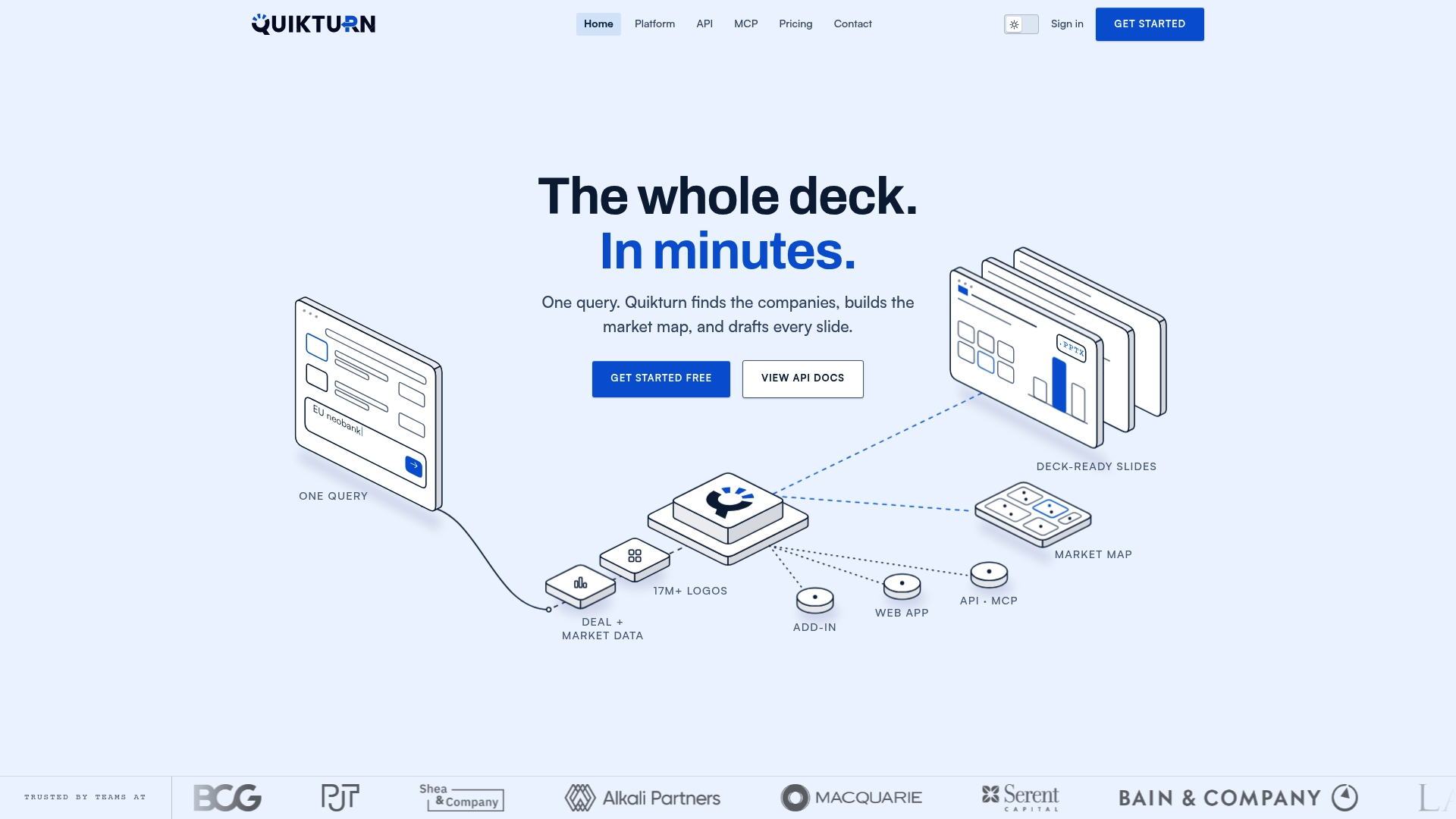
Quikturn implements this workflow directly rather than leaving developers to assemble it from scratch. It queries a verified database of more than 17 million company logos, and it ships as a web app, a PowerPoint add-in, a REST API, and SDKs, so a team can fetch a logo, export it as SVG, PNG, WebP, or a PowerPoint-ready asset, and bind it into a slide without stitching together separate services.
The platform overview covers each integration path in detail, and the stock logo API post walks through ticker-based lookups specifically for developers wiring this into their own tools. Teams building high-volume ingestion or batch refresh jobs may find more fit in the bulk processing plans, while enterprise teams needing mTLS or SPIFFE-based service authentication should review the enterprise documentation before committing to an architecture.
The most direct next step is to start on the Platform Free plan at $0 per month, prototype against the API, and move to Platform Pro at $9.99 per month once the workflow needs higher usage. Developers who want to skip straight to API keys can start from the get started page.
Sources
- PowerPoint.ShapeCollection class — Microsoft Docs
- Insert slides into presentation — Microsoft Docs
- Bind shapes in presentation — Microsoft Docs
- Guidelines for API Protection for Cloud-Native Systems — NIST SP 800-228 (upd1)
- W3C logo usage policy — W3C
FAQ
What is a developer logo workflow?
It is the pipeline a developer builds to programmatically fetch a verified company logo, check licensing, convert it into a usable format, insert it into a presentation or app, and bind it so it can be refreshed later without manual rework.
Should I use addPicture or insertSlidesFromBase64?
Use slide.shapes.addPicture when you only need to place a single image onto an existing slide, as shown in the PowerPoint.ShapeCollection reference. Use insertSlidesFromBase64 when preserving an entire branded layout matters more than inserting one shape, per Microsoft's slide insertion guidance.
Why does PowerPoint Online replace my slide layout when I insert an image?
PowerPoint Online can insert a picture directly into an open content placeholder by default instead of adding it as a standalone shape. Supplying explicit imageLeft and imageTop position values avoids that behavior.
Do I need permission to use a company logo in a slide?
Generally yes: the W3C's logo policy states that logo use should not imply endorsement and often requires documented permission, and marks covered by WIPO seal guidelines require written authorization before use. Check the brand owner's own usage guidelines before inserting any third-party logo into commercial materials.
How does Quikturn fit into this workflow?
Quikturn provides the verified logo source and the API, SDK, and PowerPoint add-in that implement the fetch, transform, insert, and bind stages described here. Plans start with a free tier on both the platform and the API, with paid tiers available for higher usage and enterprise integration.