

The fastest reliable way to get a verified logo from a ticker is a three-step pipeline: resolve the ticker to a canonical issuer using CIK or CUSIP data, confirm that issuer's active-listing status, then pull the logo asset in SVG format for insertion. Treating a ticker string as a permanent company ID is where most mismatched logos come from. Some platforms package this exact pipeline into APIs and add-ins for teams that would rather not build it themselves.
TL;DR:
- Using exact-match rules and checking the active-listing flag prevents mismatched or outdated logos from appearing in slides and reports.
- Request SVG logos first, with raster formats as backups, and always verify the logo's provenance and last update for compliance purposes.
- Resolving a ticker to a company’s canonical issuer ID before fetching the logo minimizes errors caused by shared or reused ticker symbols.
- Bulk processing tools facilitate portfolio-scale logo retrieval, but caching, rate limits, and manual review queues are essential for reliable operations.
- Verification-driven pipelines that confirm issuer identity before logo retrieval reduce risks of presenting incorrect branding and save time on corrections.
Table of Contents
- The end-to-end ticker-to-logo pipeline for slides and apps
- How to resolve tickers reliably using mapping APIs and exact-match rules
- What to request from a logo service: formats, metadata, and verification checks
- Integration choices: API, PowerPoint add-in, web UI, and bulk workflows
- Checklist and best practices to avoid common mistakes in production
- Why verification and integration matter more than speed alone
- Put the pipeline to work with Quikturn
- Sources
- FAQ
The end-to-end ticker-to-logo pipeline for slides and apps
Every reliable implementation follows the same shape, whether it runs inside a Python script or a PowerPoint add-in. Skipping a step is usually where the wrong logo ends up on a client-facing slide.
- Resolver call: send the ticker to a mapping endpoint and get back company records, not a single guess.
- Canonical selection: pick the correct record using CIK, exchange, and active-listing status, not just the first result.
- Logo lookup: query the logo service using the canonical issuer ID rather than the raw ticker string.
- Format selection: request a vector asset first, with raster fallbacks for compatibility.
- Insertion or export: place the asset into a slide, report, or app, tagged with its source metadata.
The metadata captured in step two, CIK, exchange, and an isDelisted flag, is what step three actually keys off. A logo service that accepts a raw ticker without that context has no way to tell IBM the company from IBMD or IBMF, three separate symbols that share a root string but not an identity. Building the pipeline in this order also means a failed resolver call surfaces before an analyst ever sees a logo, rather than after it is already pasted into a deck.
How to resolve tickers reliably using mapping APIs and exact-match rules
Ticker resolution is a company-identity problem before it is a logo problem. Mapping endpoints exist to answer "which company is this, precisely" and they typically return an array of records rather than one clean match, since tickers get reused across delistings, relistings, and unrelated companies on different exchanges. The SEC's mapping API documentation covers standardized fields such as company name, CIK, exchange, security category, and delisted status for exactly this reason.
- Use exact-match delimiters like
^IBM$rather than a loose substring search, since a plain search for "IBM" can also surface IBMD, IBMF, and IBMH. - Check the
isDelistedflag on every match before treating it as current. - When a ticker returns more than one exact match across exchanges or time periods, show the analyst a disambiguation view with exchange, CIK, and last filing date rather than auto-selecting one.
- For portfolio-scale work, pull from bulk ticker-to-CIK endpoints instead of looping single calls.
Third-party mapping services such as Api expose similar POST endpoints, returning fields like company_name, cik_number, cusip, exchanges, and last_filing that developers can normalize into a canonical record before any logo call happens.
Pro Tip: Always surface the active-listing flag and issuer metadata to the person doing the insertion, not just to the code. A human catching a stale match takes five seconds; fixing a wrong logo after a deck ships takes a lot longer.
What to request from a logo service: formats, metadata, and verification checks
Once you have a canonical issuer ID, the logo request itself has its own set of decisions. Format matters most: SVG scales cleanly at any slide size and holds up under a projector or a 4K monitor, where a low-resolution PNG pixelates. Request PNG or WebP only as a fallback when a vector asset does not exist for that issuer, and check that any raster fallback meets a reasonable minimum resolution for the largest size it will be displayed at.
- Request SVG as the primary format, with PNG or WebP as fallback only.
- Ask for provenance and last-updated metadata, not just the image file.
- Confirm the logo's canonical issuer ID matches the ID from the resolver step, not just the ticker.
- Check aspect ratio and background (transparent versus white) before inserting into a themed template.
- Note the variant type (wordmark, icon, or combined mark) since decks often need a specific one.
A logo asset with no provenance data is a liability in a compliance-reviewed deliverable: if the source or last-updated date is not attached to the file, there is no way to audit where it came from later. Quikturn's Stock Logo API returns SVG assets by default along with issuer metadata for this reason, and teams can test lookups directly through the logo finder tool before wiring up an integration.
Integration choices: API, PowerPoint add-in, web UI, and bulk workflows
The right integration depends on who is running the pipeline and how often. An engineering team building an internal tool wants API access with authentication, clear single-versus-batch endpoints, and a caching layer to avoid re-resolving the same ticker every time it appears in a new deck. An analyst who just needs a logo in the next ten minutes wants a PowerPoint add-in or web UI with no setup at all.
- API-first: authenticate once, choose single or batch requests depending on volume, and cache resolved mappings keyed by canonical issuer ID.
- Add-in or web app: lets analysts search and insert logos directly inside PowerPoint without writing code, at the cost of less control over automation.
- Bulk workflow: upload a CSV or Excel file of tickers, run it through the mapping and logo steps in one pass, and export a folder of assets or a populated deck.
- Trade-offs: API access gives the most control and the best caching, add-ins give the fastest analyst turnaround, and bulk exports trade some real-time verification for throughput on large lists.
Server-side insertion, where the logo is fetched and placed by backend code, tends to be more consistent for compliance tracking than client-side insertion, where each user's local app fetches assets independently. A step-by-step integration guide walks through the API path in more depth, and bulk processing documentation covers the CSV workflow for portfolio-scale exports.
Checklist and best practices to avoid common mistakes in production
Most production failures in a ticker-to-logo pipeline trace back to one of a handful of shortcuts. A short checklist run before every release catches nearly all of them.
- Use exact-match resolver calls (
^TICKER$), never a loose substring match. - Validate active-listing status before accepting any resolver result.
- Fetch SVG first and only fall back to raster formats when no vector asset exists.
- Store provenance metadata alongside every logo asset, not just the image.
- Cache resolved mappings and set expirations tied to filing or exchange-change events rather than a fixed calendar date.
Ambiguous matches need a defined fallback path: route them to a manual review queue rather than auto-selecting the first record, and log every manual override for later audit. Parallelize resolver and logo calls with throttling in place, since most mapping and logo endpoints enforce rate limits, and pre-warm caches for tickers you know will recur, like current holdings in a fund or an active coverage list.
On the security side, API keys belong in server-side environment variables, never in client-side code or a shared spreadsheet, and enterprise deployments should route authentication through existing SSO rather than a separate credential set. Document how long resolved mappings and cached assets are retained, since a compliance review will eventually ask.
Pro Tip: Build the manual review queue before you need it. The first ambiguous ticker match always shows up in a live deck, not in testing.
Why verification and integration matter more than speed alone

A wrong logo in a pitch book is a small error with an outsized cost: it is the kind of mistake a client notices immediately, and fixing it after the deck has already gone out means a late-night rebuild instead of a quick swap. Verified mapping, done before the logo call rather than after, is what turns a fast pipeline into a trustworthy one.
Some solutions are built around that order of operations, with verified logo databases backing Stock Logo APIs that resolve issuer identity before returning an asset, add-ins that put the same lookup in front of analysts without engineering support, and bulk processing that extends to portfolio-scale exports without sacrificing verification steps.
— Quikturn Team
Put the pipeline to work with Quikturn
Building a verification-first ticker-to-logo pipeline from scratch means standing up a resolver, a logo store, format handling, and a caching layer before a single slide gets made. Some platforms provide the work already: Stock Logo APIs that resolve issuer identity before returning an asset, PowerPoint add-ins that put lookups in front of analysts with minimal setup, and bulk exports that handle CSV lists at portfolio scale.
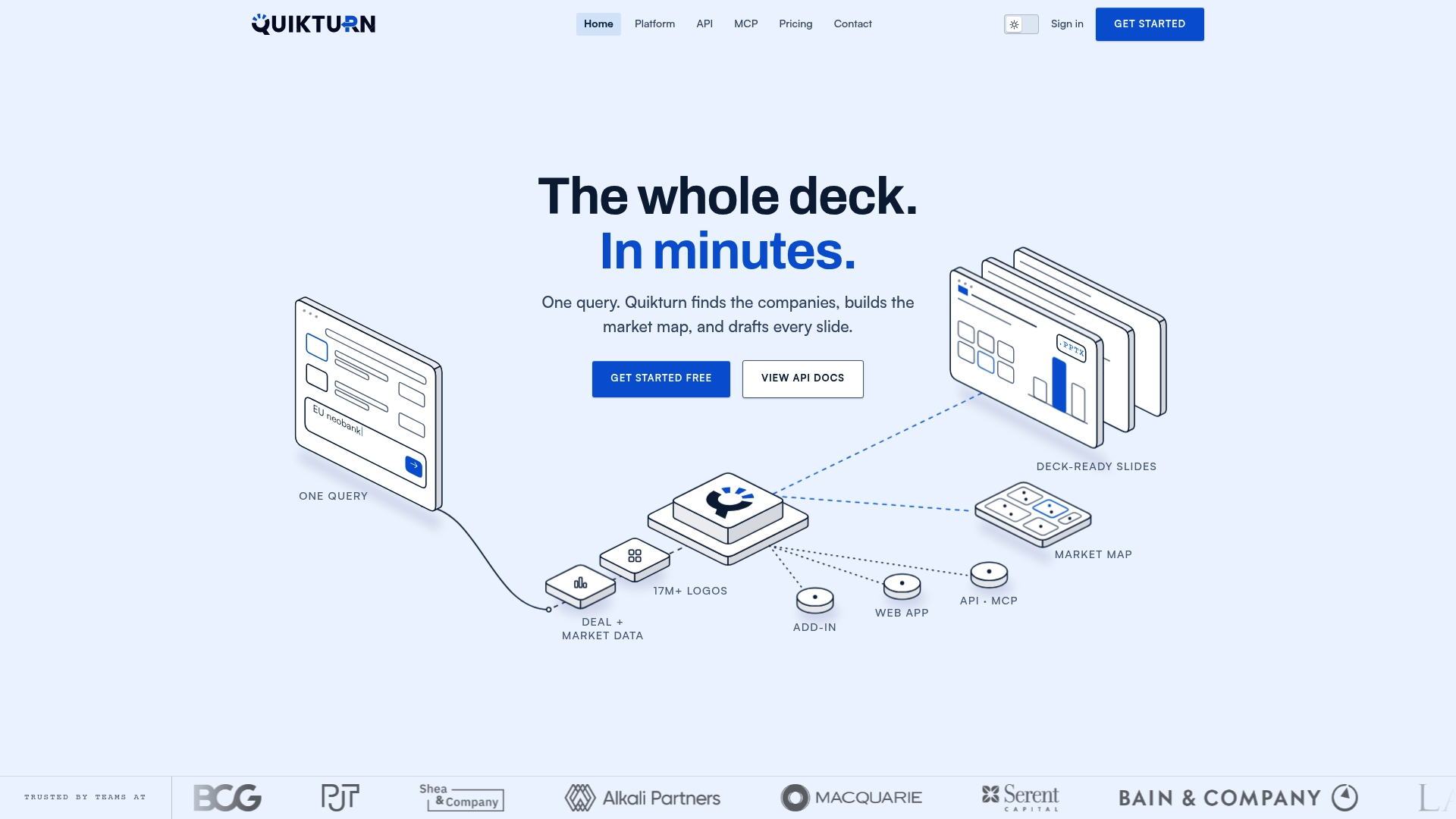
- Search and insert verified logos directly from the Stock Logo API or the PowerPoint add-in.
- Compare plans on the pricing page, including a free tier for the platform and the API.
Start with the free tier to test a lookup, or bring a CSV of your current coverage list and run it through bulk import to see the pipeline end to end.
Sources
The pipeline above draws on primary sources for issuer identity and mapping, worth bookmarking directly:
FAQ
What is the correct order of steps to convert a ticker to a logo?
Resolve the ticker to a canonical issuer using CIK or CUSIP data first, confirm the issuer is actively listed, then fetch the logo using that canonical ID rather than the raw ticker string. Skipping the resolution step is the most common cause of mismatched logos in decks and reports.
Why does the same ticker sometimes return multiple companies?
Tickers get reused after delistings and can partially match unrelated symbols, so a search for one ticker can return several historical or partial matches. Using exact-match delimiters like ^TICKER$ and checking the active-listing flag narrows the result to the correct current issuer.
Should I request SVG or PNG logo files for slides?
Request SVG first, since it scales cleanly at any size without pixelating on large screens or in printed reports. Use PNG or WebP only as a fallback when no vector asset is available for that issuer.
How does Quikturn handle bulk logo lookups for a portfolio?
Quikturn's bulk processing tools accept a CSV or Excel list of tickers and return mapped, verified logo assets for the whole list in one pass. Plans range from a free tier to Bulk Professional and Bulk Enterprise, with pricing details on the bulk processing page.
Are company logos free to use in a presentation or report?
Company logos are generally protected by trademark and sometimes copyright, so usage rights depend on context such as editorial reference versus commercial use. Sourcing logos from a verified database with clear provenance metadata makes it easier to track where each asset came from if a usage question comes up later.